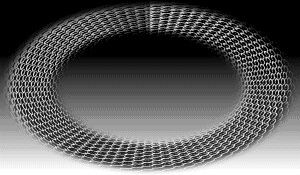
5- Effects >
Distortion Effects > Polar Coordinates >
rectangular to polar > repeat
Repeat
this effect again.
6- FM Tile
Tools > Blend Emboss
7- Adjust >
Sharpen More
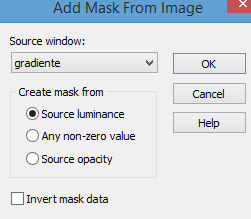
8- Apply the Gradiente Mask (attached) > Merge Group
9- Adjust >
Sharpen
10- Layers >
Blend Mode > Luminance (Legacy)
11- Activate
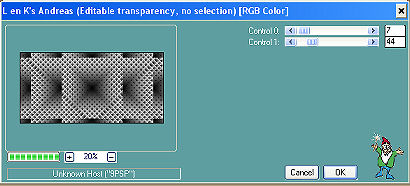
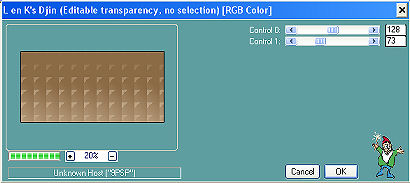
Raster 1 and apply > Plugin
Lenk's > Djin > 128/73
12- Effects >
User Defined > Emboss_3
13- Adjust >
Sharpen More.
14- New Layer...
15- Selections > Select All > Paste Into
Selection of the Misted.
16- Insert
your tube and position it as you prefer.
17-Merge Visible.
18- Image >
Canvas Size with the following
settings:
Width= 1024 and Height= 550
Bottom=
50 / Top, Left and Right= 0
19- Drop
Shadow > 10/-7/80/4
20- Layers
> New Raster Layer
Layers > Send to Bottom
Fill with a solid color
picked from your work.
21-Layers
> Merge > Merge All
22- Sign it and save as jpeg.
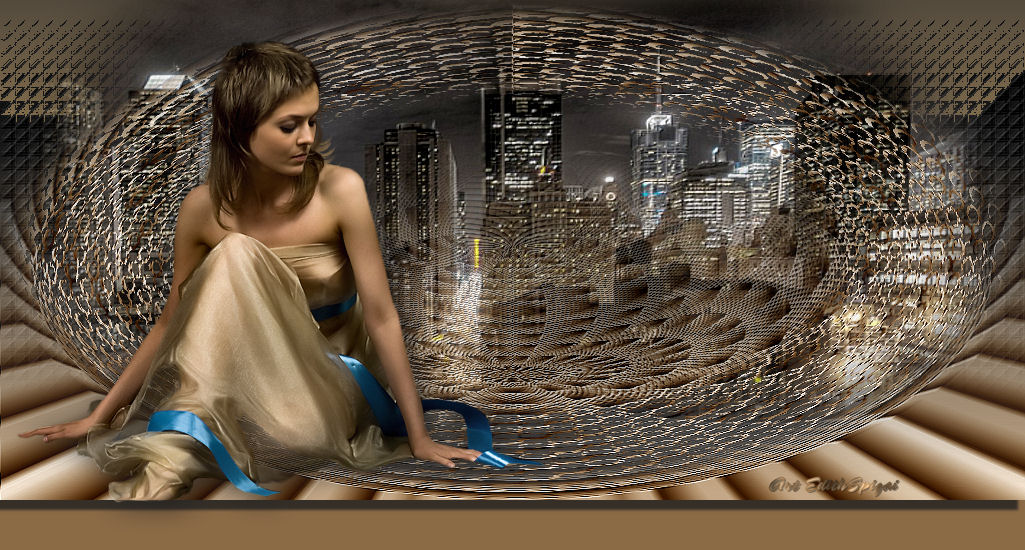
** Tutorial created
by Edith Spigai **
SP/15-03-2012
Credits:
Tube: By Ana Ridzi
Misted: LB Tubes
Mask: Denise Worisch
Art and Formatting:
EdithSpigai


Copyright ©2016/2026 - Web Design - NaiseM®