7- Layers Merge Down
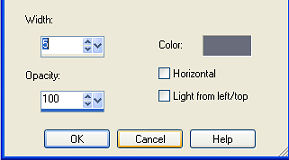
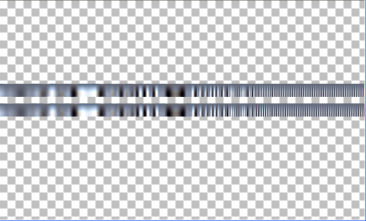
8- Effects > Distortion
Effects > Warp:
-100/100/100/-100
9- Effects > Drop Shadow >
4/4/80/8,00
10- New Layer >
fill with the
gradient from item 2.
Layers > Arrange > Send
to Bottom.
11- Filters Unlimited
2.0 > Clouds(fore-/background
color)
128/128
12-Effects > Texture
Effects > Mosaic Antique:
38/38/70/2/95
13- Plugin FM Tile Tools >
Saturation Emboss
15- New layer > Select All
> Paste Into Selection (misted
from item 1)
Select None
16- Layers > Merge Down
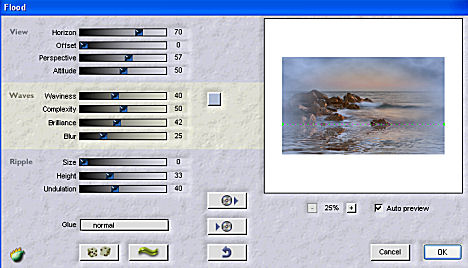
17- Plugin Flaming Pear >
Flood
18- Apply a
cloud tube and
position it at the
top,
Layers > Blend
Mode > Soft
Light or Hard
Light
19- Layers >
Merge Down
20-Adjust >
Brightness and
Contrast >
brightness/contrast
> 10
21- Apply a
Fade type
mask
Layers >
Delete
Layers >
Merge >
Merge Group
22- Image >
Canvas Size
with the
following
settings:
Width= 1000
and Height=
600
Bottom=
50 / Top,
Left and
Right= 0
23-
Layers >
New
Raster
Layer
Layers >
Send to
Bottom
Fill
with a
color
captured
from your
work.
24- Paste
the tube
using
Drop
Shadow >
4/4/86/40
and repeat
item
20.
25-
Layers
>
Merge
>
Merge
All
26-
Sign
and
save
as
jpeg.
**
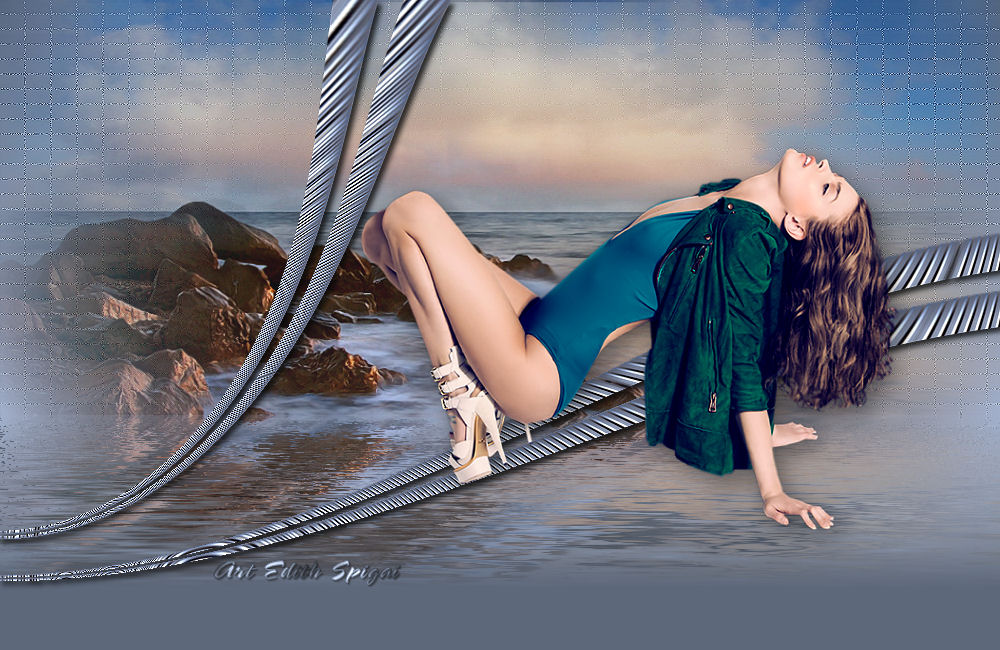
Tutorial
created
on
19/03/2013
by
Edith
Spigai
**

Credits:
Misted: By
Nara
Pamplona
Tubes: By
Tocha
Cloud Tube:
By
Ket from
Mexico
Art and
Creation:
EdithSpigai