|
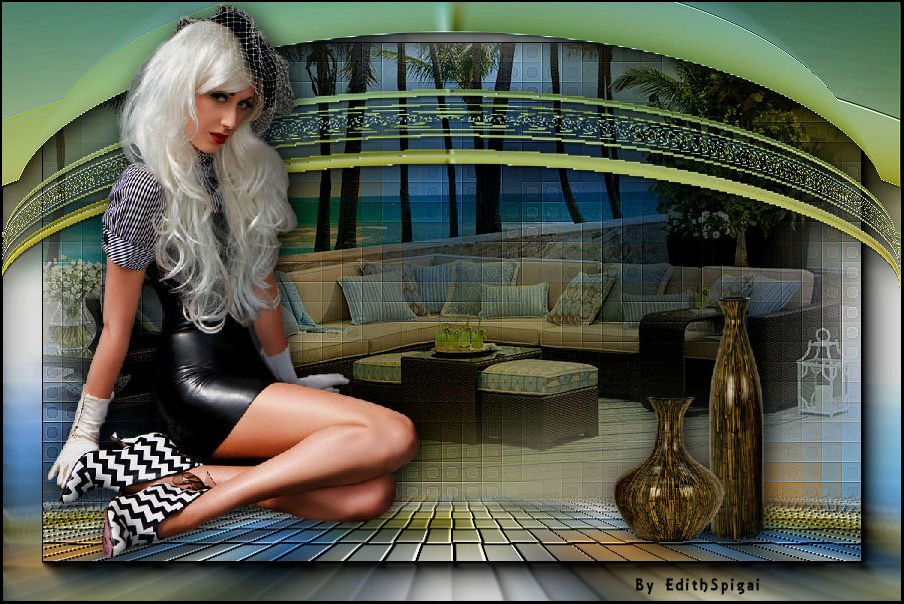 
**TAG PERFECT**
MATERIAL
-Efeitos do PSP_X7
-Plugin Nik Software
-Plugin MuRa's Meister
-Plugin Neology
-Tubes/Misted/Misted
-Seleção (anexada)
ROTEIRO

Use a setinha para marcar a sua linha
Clique nela e arraste para onde quiser
|
|
1-Abra um Misted > Edit > Copy
2- Abra uma Nova Imagem Transparente de 900 x 600 pxs
3- Select All > Paste Into Selection > Select > None.
4- Effects > Image Effects > Seamless Tiling > Default
5- Layers > Merge All
Promote Background Layer
6- Adjust > Blur > Gaussian Blur > Radius: 30,00
7-Selections > Load/Save > Load Selection From Disk -
perfect_1
8- Promote Selection To Layer
9- Plugin Neology > Turnaround
10- Enhance More
11- Effects > Drop Shadow > 5/5/85/35
12- Select > None
13- Effects > Distortion Effects > Lens Distortion
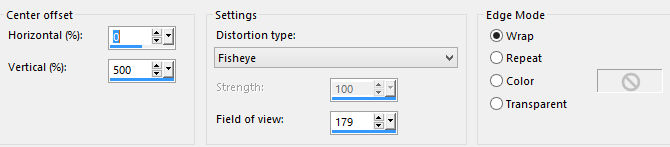
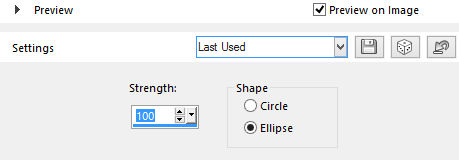
14-Effects > Geometric Effects > Spherize
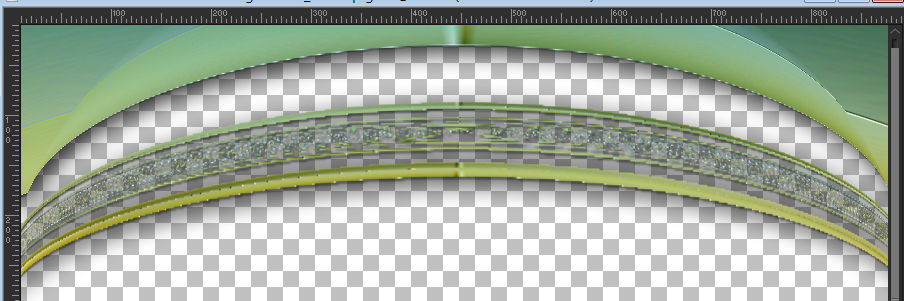
15- Com a ferramenta move eleve a figura como mostra o
print
16- Effects > Drop Shadow > 5/5/85/35
17- Adjust > Sharpen
18- Plugin Nik
Software > Color Efex 3.0 Complete > Bi-Color Filters >
Color set (como preferir)
19- Duplique a raster 1 - na cópia da layer:
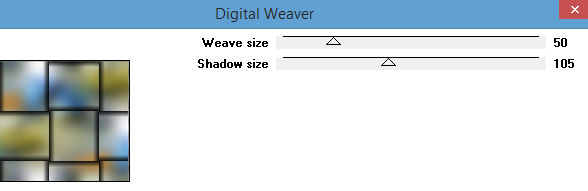
Plugin Neology > Digital Weaver > 50/105
20- Plugin Mura’s Meister > Perspective Tiling >
80/0/0/20/0/0/100/255
21- Effects > Edge Effects > Enhance
22- Effects > Drop Shadow > 5/5/85/35
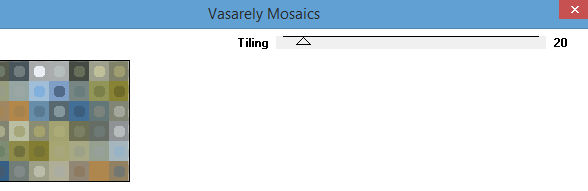
23- Ative a raster 1 e aplique o Plugin Neology > Vasarely
Mosaics > 20
24- Effects > Edge Effects > Enhance More
25- Cole seu misted do item 1 como uma nova layer
posicionando como preferir.
26- Layers > Blend Mode > Multiply (ou como preferir)
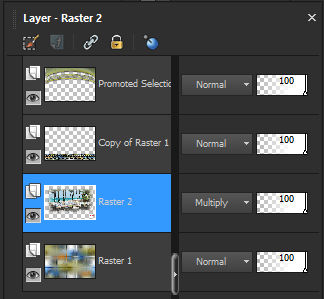
27- Tire a visibilidade da promoted selection > Layers >
Merge Visible
28- Plugin AAA Frames > Foto Frame (Default) > 40/
0/0/0/0/0/0/100
29- Ative a layer do top - Insira os tubes, Drop Shadow
30- Layers > Merge All
31- Image > Add
Borders 2 px. na cor preta.
32- Adjust > Brightness and Contrast > Brightness/Contrast
> -15/0
33- Assine e salve em jpeg.
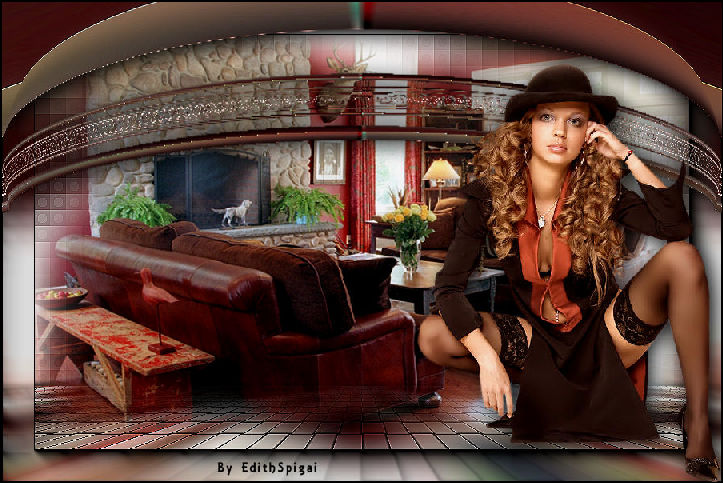
** Tutorial Elaborado em SP_23/09/2016 por Edith Spigai
**
Créditos:
Tubes: By Mara Pontes/Nara Pamplona
Misted: By Min@/anna.br
Criação de Edith Spigai
__
Copyright ©2016/2026 - Web Design - NaiseM®

|