|
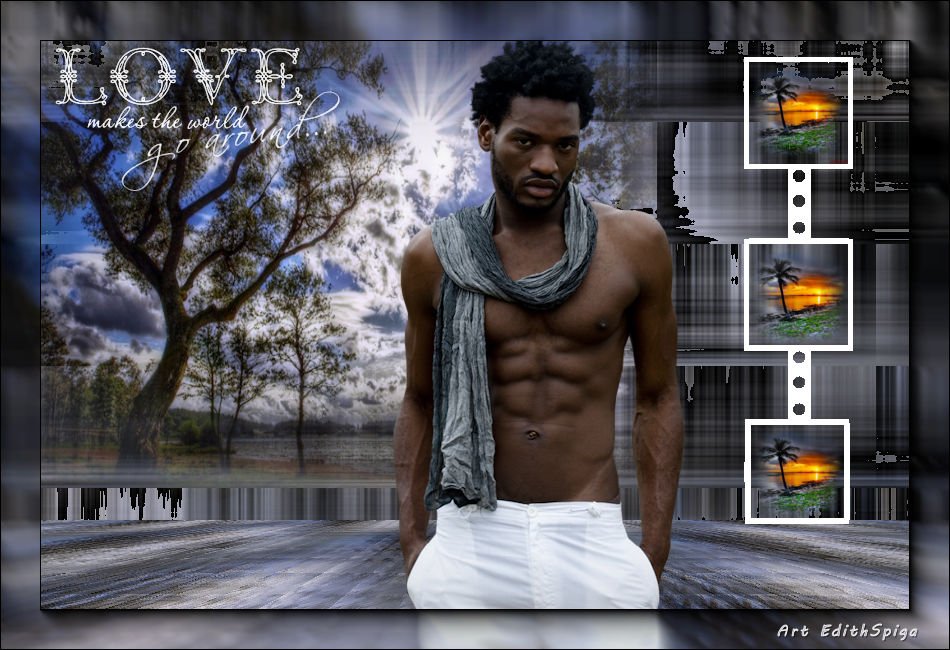 
**TAG
ONION**

-PSP_X7 effects
-Plugin Toadies
-Plugin MuRa's Meister
-Plugin FM Tile Tools
-Tube /Misted
INSTRUCTIONS

Use the little arrow to mark your line
Click it and drag it wherever you like
|
|
1- Open a new image of 950 x 650
2- Fill with a Linear gradient - Angle 0 / Repeats
1 - invert unchecked
in the colors of your work.
3- Select All and paste into selection the chosen misted
> select none.
4- Effects > Image Effects > Seamless Tiling >
5- Plugin Toadies > What are you? > 20/20
6- Layers > Duplicate
7- On Raster 1 > Plugin Toadies > Britches Crystal >
25/25
8- FM Tile Tools > Blend Emboss
9- Plugin MuRa's Meister > Perspective Tiling
80/0/0/20/0/0/100/255
10- On the layer copy: Plugin Toadies > Weaver >
59/48/222
11- Plugin Toadies > Metalic Onion > 177 - Colour > the
color of your work....
12- Apply your misted on a new layer, position it on the
left of the Tag.
13- Paste the ornament (attached) on the right side, select
the squares and paste into selection
on the chosen picture.
14- Merge Visible
15- Adjust > Brightness and Contrast > Brightness/contrast
> -15/0
16- Plugin AAA Frames > Foto Frame
40/0/0/0/0/0/0/100
17-Layers > Merge > Merge All
18- Sign and save as jpeg.
** Tutorial created in SP-06/11/2015 by Edith Spigai
**

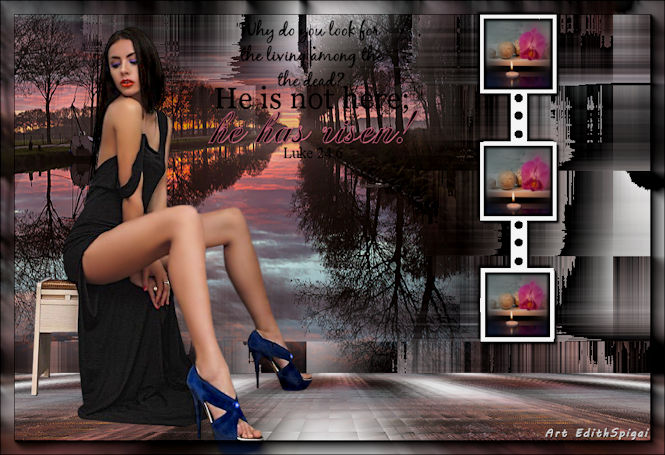
Credits:
Tube: By Maryse/By Min@
Misted: By Min@/By Cibie's
Tutorial: Edith Spigai
Copyright ©2016/2026 - Web Design - NaiseM®

|